Enclosure & desktop stand
Print files for the front panel, rear enclosure and desktop stand. File formats, printing recommendations and terms of use will follow at release.
 COCKPIT SUITELIVE HUB /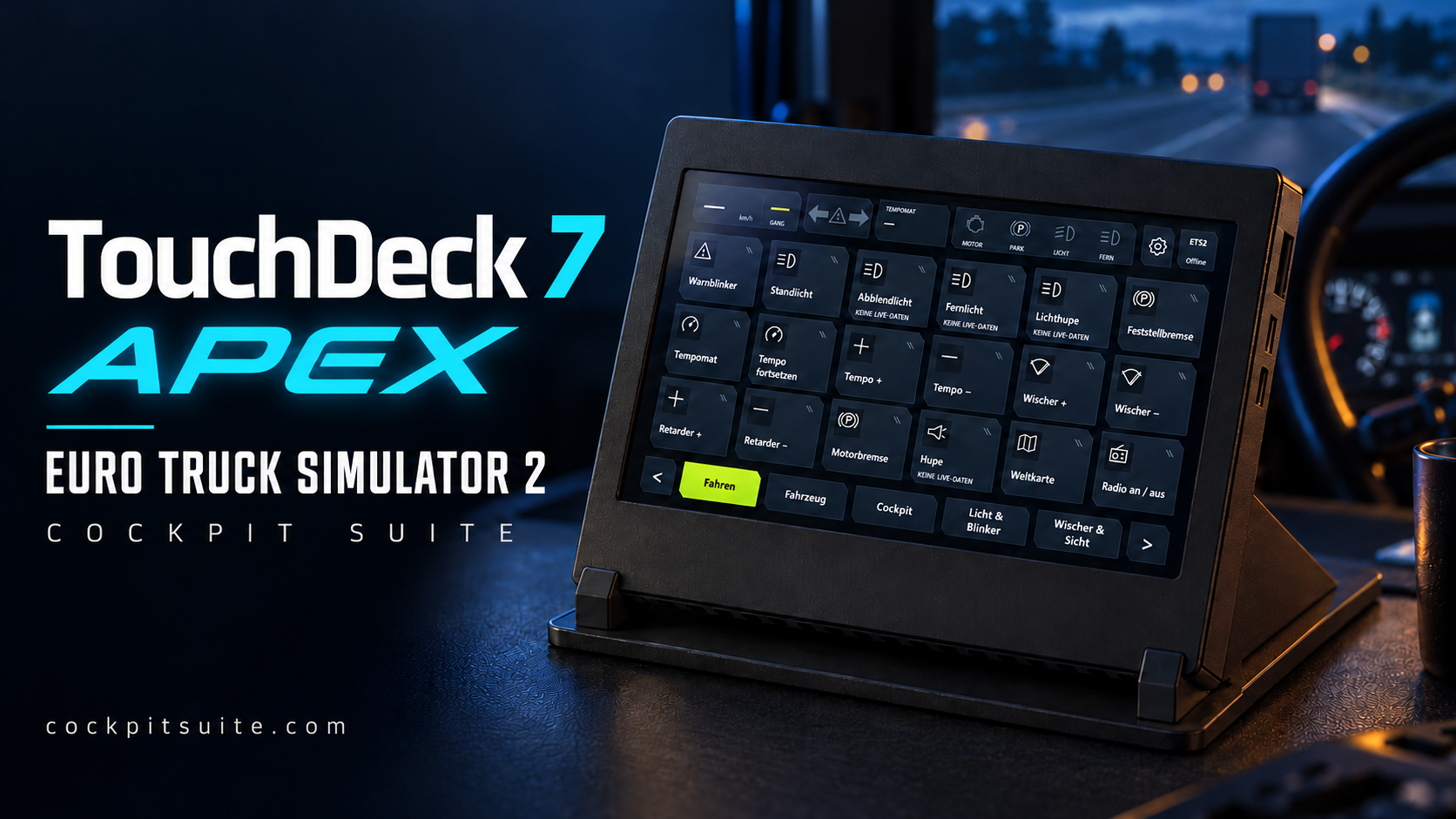
COCKPIT SUITE / TOUCH CONTROL PANEL
Your control panel for ETS2 & ATS.
The key truck functions on a dedicated 7-inch touchscreen. With a DIY enclosure and a TouchDeck add-on for Cockpit Suite.
Not available yet. Pricing, display model and files will follow.
CONTROLS
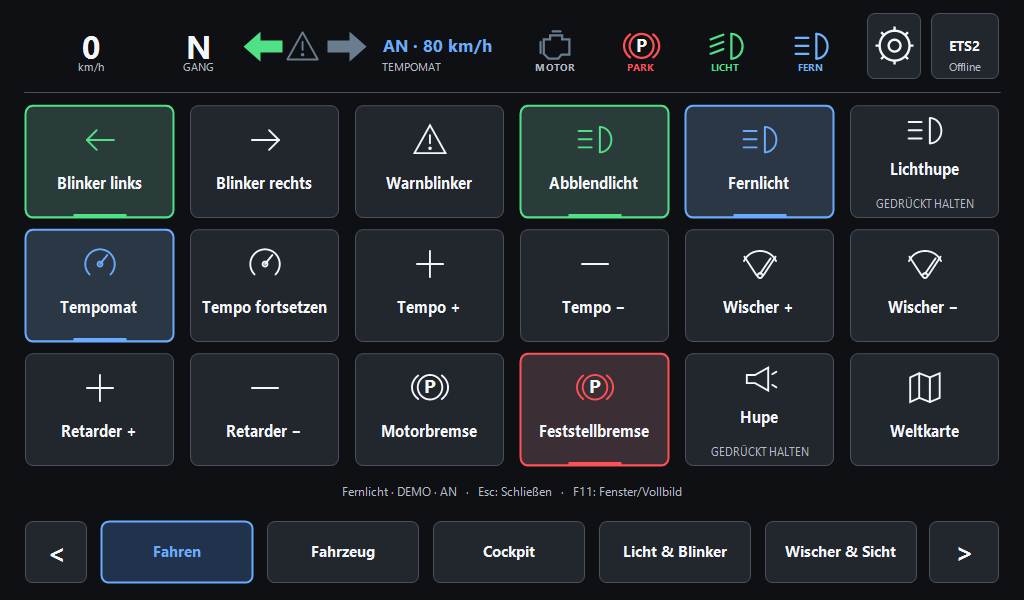
Explore the control areas. Large touch targets bring together the functions for your truck cockpit.
CONTROL AREAS
Set cruise control, operate the retarder and access the engine brake, alongside frequently used lighting and wiper functions.
The preview shows demo states. The controls and simulator integration are being checked during development.
DIY BUILD
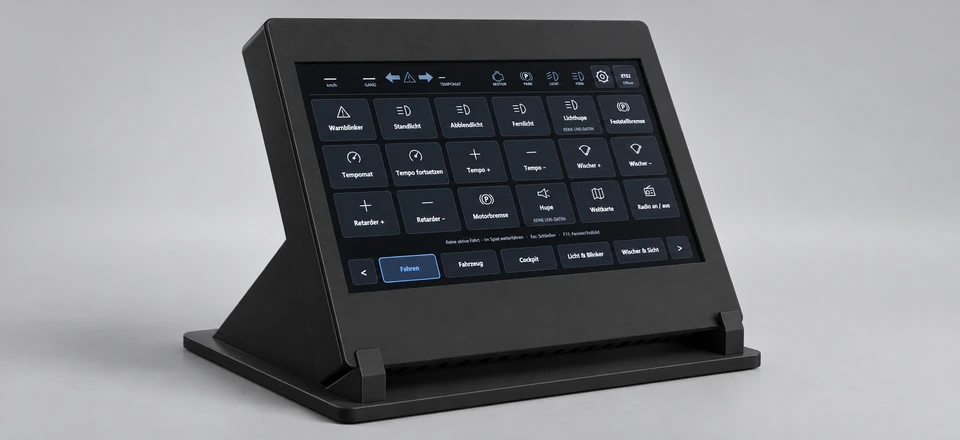
The DIY concept: print the enclosure and fit a suitable display. You can buy the display yourself; we also plan to offer it.
A 7-inch touchscreen with HDMI + USB is planned. The specific display model and suppliers will be published with the parts list.
The front panel, rear enclosure and desktop stand are being prepared as separate printable parts. Printing advice and assembly instructions will accompany the files.
Connect the display, install Cockpit Suite and activate the TouchDeck add-on after its release.
SOFTWARE MODULE
TouchDeck will be offered as a separate paid add-on for Cockpit Suite. It adds TouchDeck controls for your display to the Suite.
Free use of Cockpit Suite remains independent of this. TouchDeck requires separate activation, including when you print the enclosure and buy the display yourself.
DOWNLOADS
This is where the TouchDeck files will be available. Print files, the parts list and instructions are still being prepared.
Print files for the front panel, rear enclosure and desktop stand. File formats, printing recommendations and terms of use will follow at release.
Suitable display, required parts and step-by-step assembly.
Software for TouchDeck controls. Download and activation will follow at release.
The base software is already available on the ETS2 page. It does not yet include the TouchDeck add-on.
QUESTIONS
Key answers about hardware, software and availability.
Yes, the DIY package is being prepared for that purpose. Checked print files and assembly guidance will be published here.
No. You can buy the suitable display yourself. The specific model and requirements will be provided with the parts list.
The paid add-on is planned for TouchDeck controls. The free Suite alone does not activate TouchDeck.
Not yet. The hardware concept and software module are in development. Pricing, files and the release date will be added to this page.
The simulator integrations have their own pages: Euro Truck Simulator 2 and American Truck Simulator. The TouchDeck print files will remain here on the product page.