
COCKPIT SUITELIVE HUB /

Home / Euro Truck Simulator 2

COCKPIT SUITE / LIVE HUB

Euro Truck Simulator 2

Connect your truck cockpit to Live Hub.

Hardware compatibleBeta version

Euro Truck Simulator 2

ETS2: live telemetry, raw data, recordings and support for compatible input and LED cards. Available as a beta.
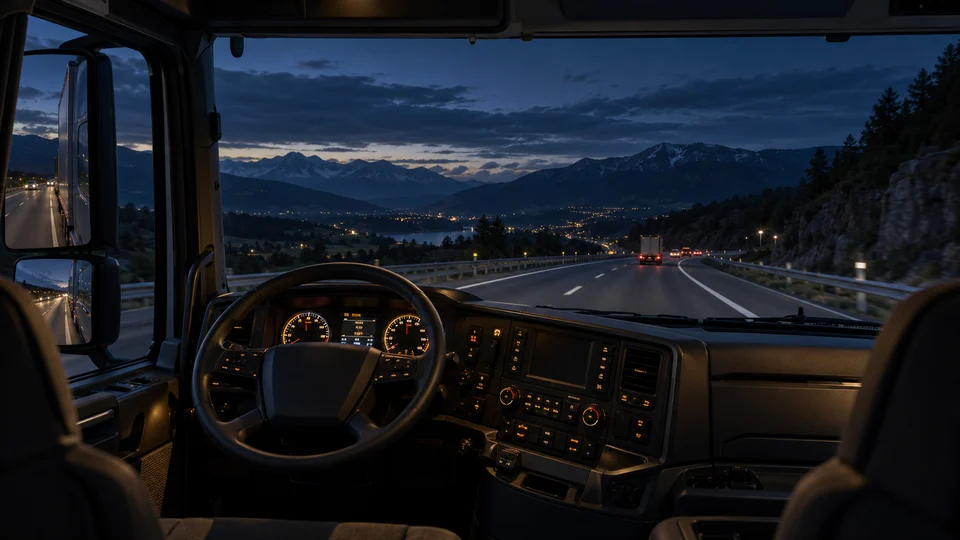
Illuminated instruments in a European truck cockpit

From the simulator to your own truck cockpit

Connect ETS2 to Cockpit Suite Live Hub and use the available vehicle data in your own truck cockpit.

Instruments and cockpit hardware

Speed, RPM, gears, retarder, lights and warnings are available depending on the vehicle and game version. Compatible input cards and rotary encoders provide inputs; LED cards show assigned states. The SCS telemetry plugin is included.
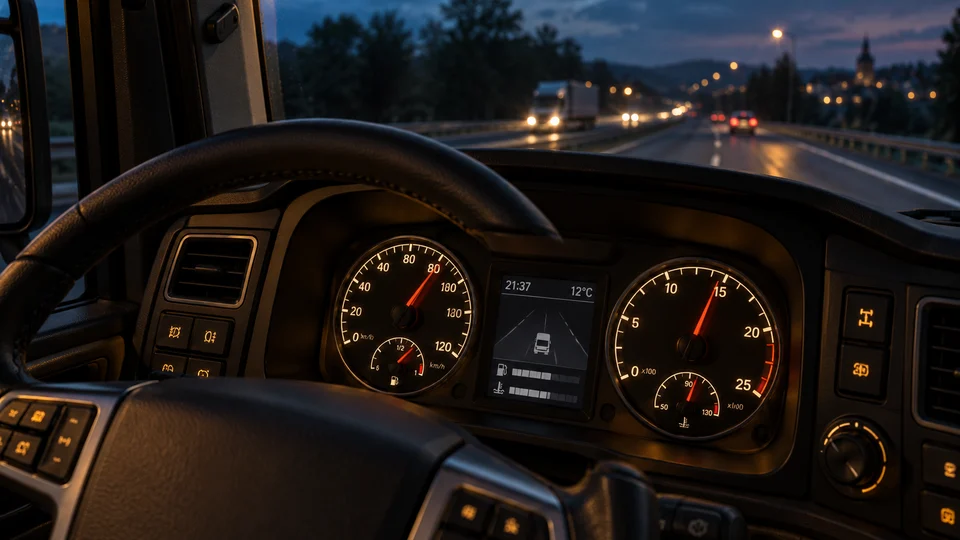
Illuminated instruments in a European truck cockpit
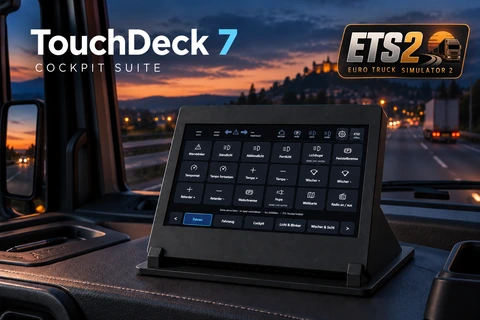
TouchDeck 7 with an ETS2 control interface in a truck cockpit

TOUCHDECK 7

TouchDeck 7: touch controls for ETS2 and ATS.

The product page covers the planned add-on, DIY enclosure, display requirements and preparation of print files.

Discover TouchDeck →

ETS2 button box: set up controls and LED feedback

A USB button box supplies inputs. LED feedback additionally needs the SCS telemetry plugin and suitable output hardware. TouchDeck 7 is a separate development product and is not required here.

Step-by-step setup

  1. Close ETS2. Import the ETS2 ARC and activate Euro Truck Simulator 2 / All trucks.
  2. Choose Install plugin in profile settings and select the correct game folder. Start ETS2, accept an SDK prompt if shown and load a drive.
  3. Check connection and truck identity under Overview and fresh values under Raw data. A speed or light change should appear there.
  4. Select controls.sii for the actual game profile. Check the input card in hardware view and assign controls in ETS2 itself. The module does not change game bindings.
  5. For LEDs assign an offered boolean state, such as low beam, or an appropriate numeric comparison. Check the truck supplies that channel. Missing data is not confirmed OFF feedback.

ETS2 and ATS use separate modules, profiles and plugins. ATS needs its own controls.sii. ETS2 success does not certify TruckersMP or every ATS setup. LAN/client operation is not yet included.

Your next step

Recommend this page

WhatsAppFacebookLinkedInTelegram